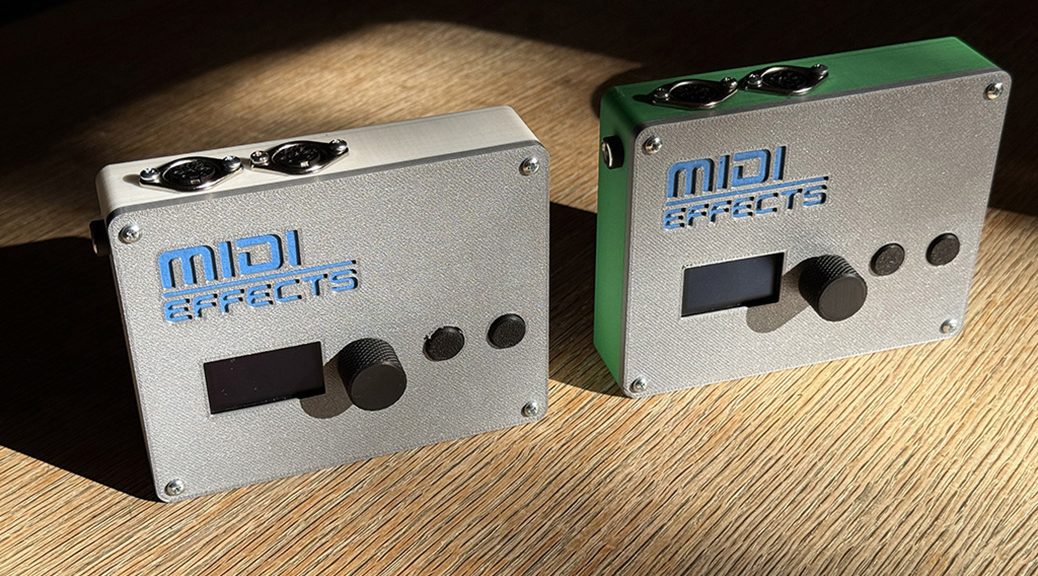
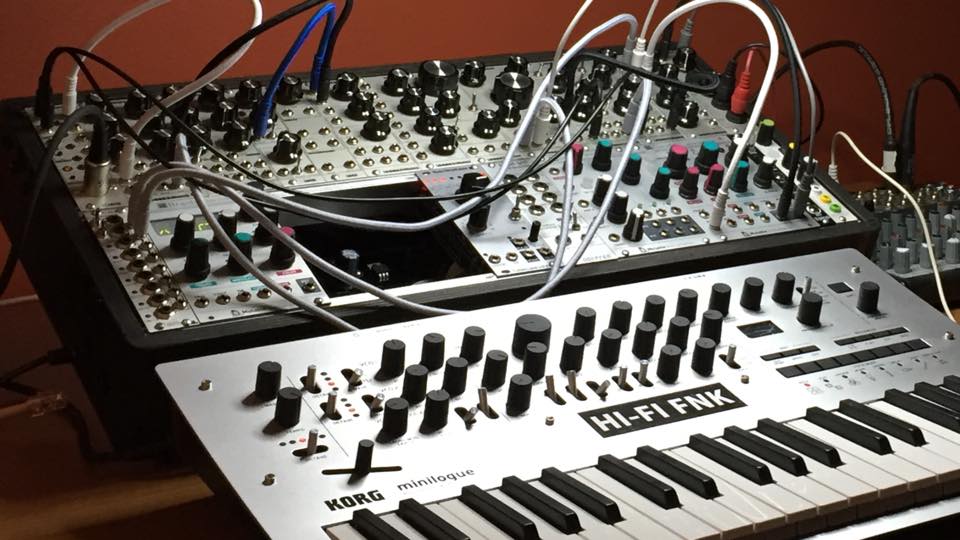
Standalone Hardware MIDI Processor Three apps. One box. No computer required. The Midi Effects Box is a compact ESP32-powered hardware unit that runs MidiBot, Evolver, and Rotator as self-contained apps. Plug in via 5-pin DIN MIDI or USB-C, dial in your patch from the front panel, and let it generate, rotate, and mutate your MIDI signal all session long. Multi-task mode runs all three simultaneously — each on its own channel, sharing a locked clock. Runs MidiBot, Evolver, and Rotator — simultaneously in Multi-task mode. DIN MIDI I/O + USB-C — works with any DAW, synth, or drum machine. WiFi patch manager and OTA firmware updates from any browser. External MIDI clock sync — locks to any DAW or hardware sequencer.
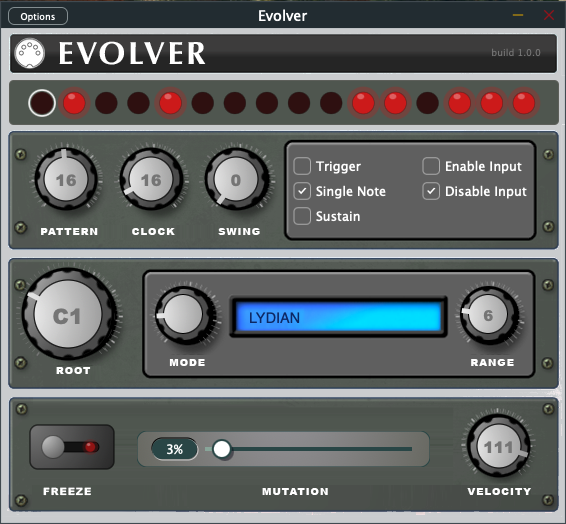
I finally got the first stable release of Evolver out the door. It’s been a long process getting everything to sit right, but I think we reached a point where the core idea really starts to click.
Available Now: Evolver 1.0
Price: $5.00 USD
Pro Tip: Save your download link for future reference
The basic mechanic is pretty straightforward, but it’s where the “fun” lives for me. The goal is to find a bass line you really dig and then freeze it in place. From there, you can start morphing that groove slowly over time.
By only varying the parameters by 1 or 2 percent at a time, you create this subtle evolution in the rhythm. It doesn’t jump around or lose its identity. Instead, it shifts just enough to keep things moving while staying locked into the pocket. I’ve found that it’s really fun to play along with because of that slow movement.
This version is still very much an MVP. I’m still playing around with different features and seeing what sticks, but even in this early state, it has got the funk.
I’d love for you guys to take it for a spin and let me know how it sits in your projects.
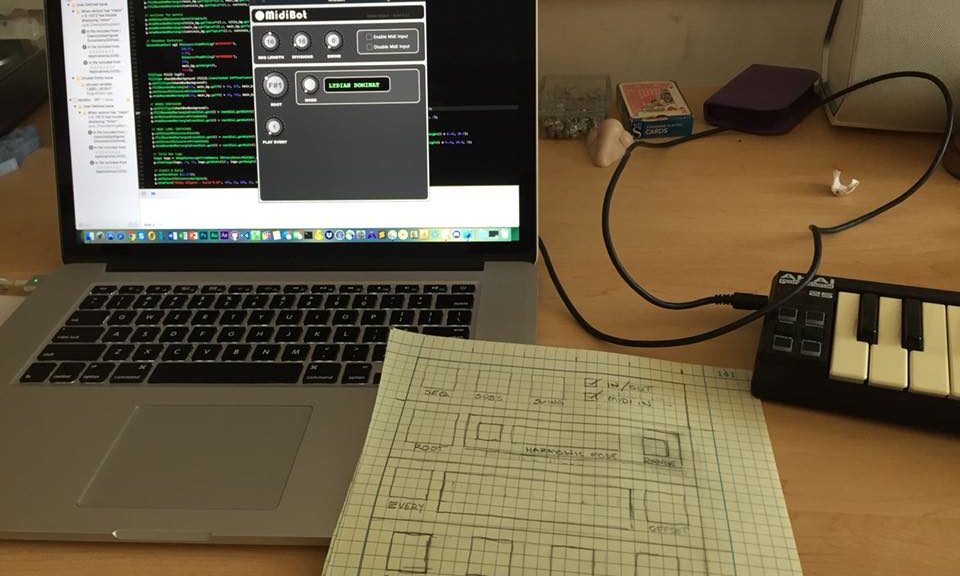
Brooklyn – sometime in 2018…
Back then I spent a few weekends coding up a radical upgrade for one of my old iPhone apps. MidiBot is a MidiFX plugin coded using the Juce framework. Sadly, in the eight years since then, it has fallen way out of compliance with many system updates, and even the introduction of Apple Silicon!
Happily, I’ve had a little more time to bring it back to life, fix a few bugs, and even optimize it a bit.
Available Now: MidiBot v2.0.3 Price: $5.00 USD Pro Tip: Save your download link for future reference
What Is It?
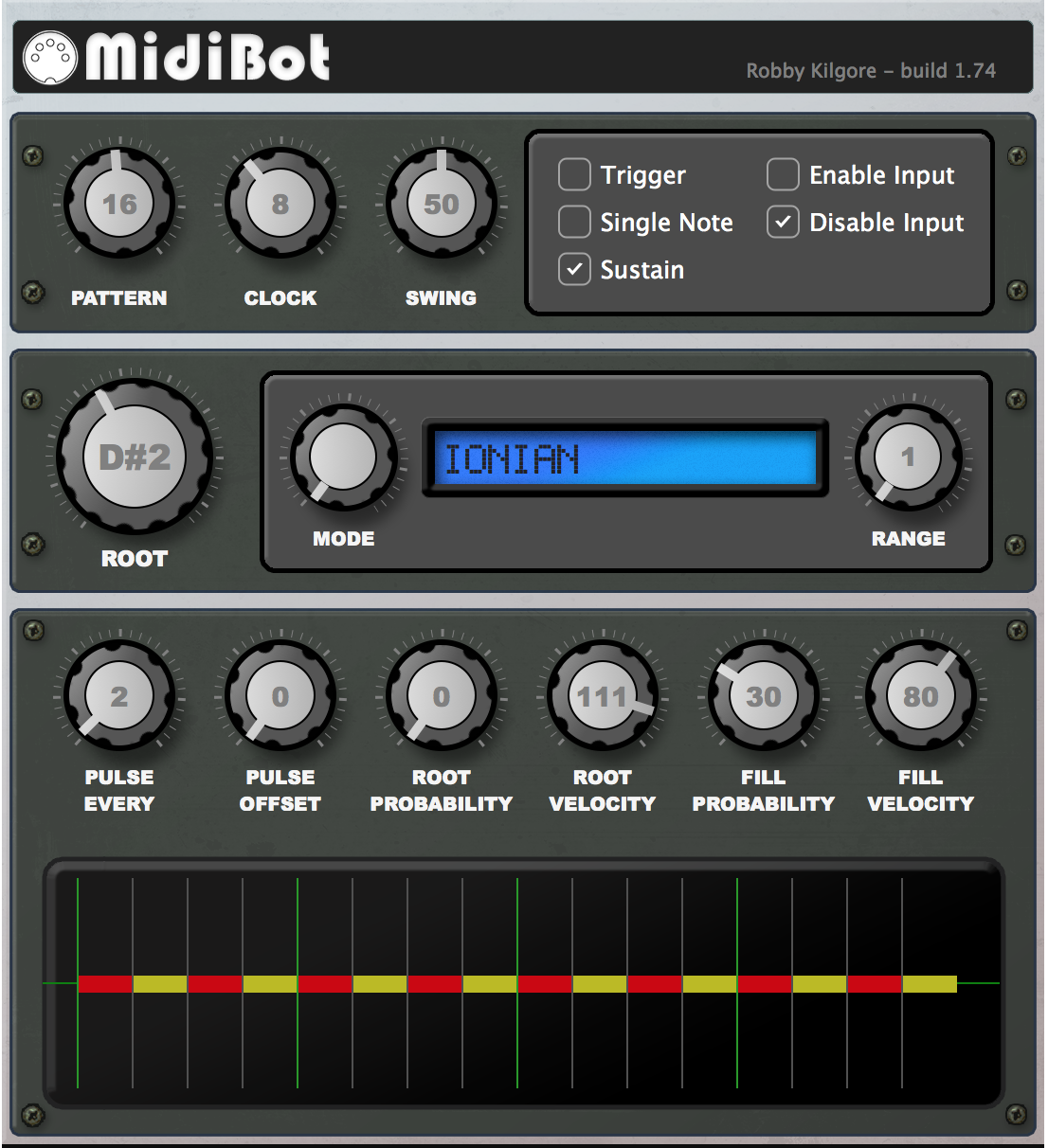
MidiBot is a poly-rhythmic pulse generator that probabilistically adds rhythmic and harmonic material as MIDI triggered sequences. It’s basically DrumToy with a ton of extra functionality thrown in.
What Does It Do?
I tend to use MidiBot as a super funky bass player, deep-pocketed percussionist, and ultra-cool practice metronome. But truth be told, I mostly made it ’cause I don’t get to jam with real people much any more. So I coded a workaround. Continue reading MidiBot 2.0.3→
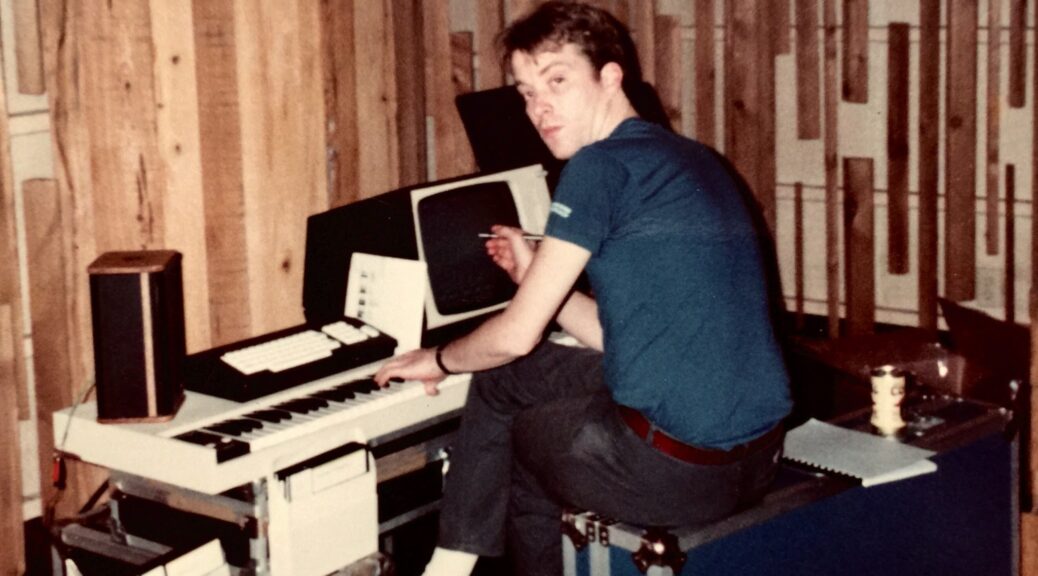
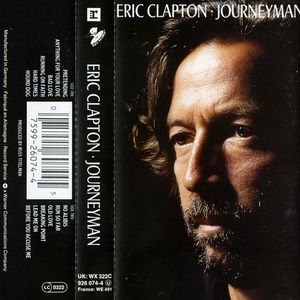
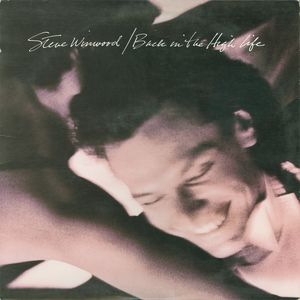
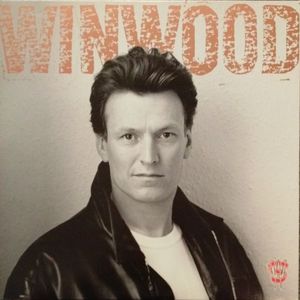
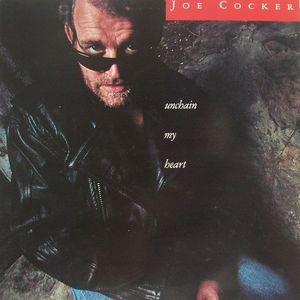
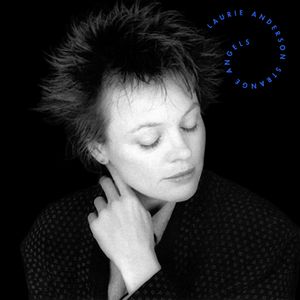
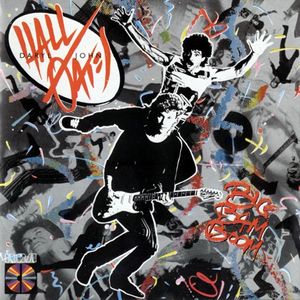
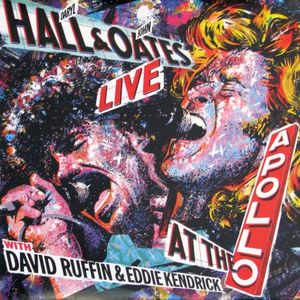
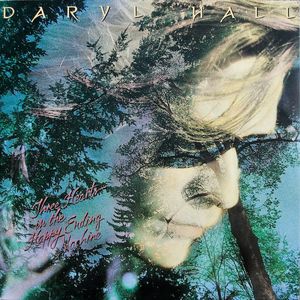
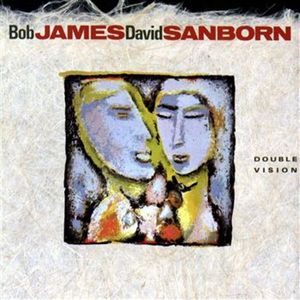
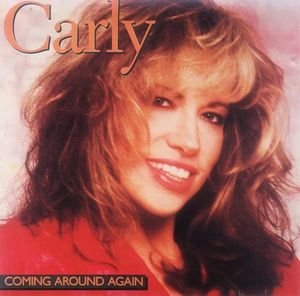
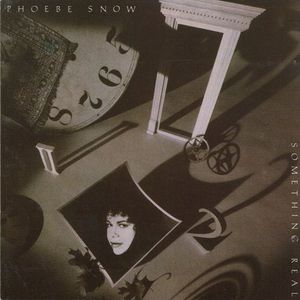
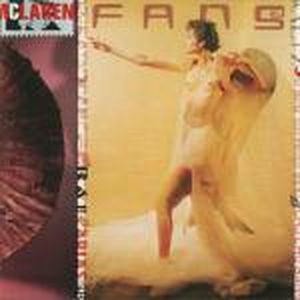
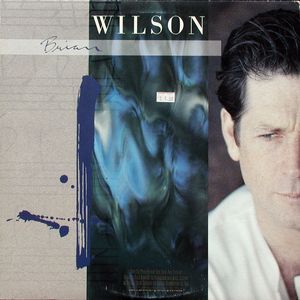
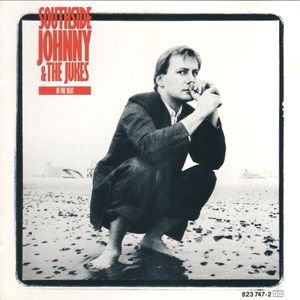
For a time, I made a living playing keyboard and programming synthesizers on a lots of the records made in NY, LA, and London. I’d forgotten many of them, but thanks to the inter-tubes they’ve been hoovered up into a nice discography. Here’s a listing of some you’ll remember – others, not so much.
I love alternate tunings. As a kid, I learned to play folk guitar, and I’d experimented a little with a couple of the more common “open tunings” used for bottleneck blues and such, I didn’t really get into deeply until I started listening to Joni Mitchell. She kind of blew my mind.
Much later as I got more serious about keyboards, and started learning to program synthesizers, I thought: “What if you could do the same thing on keyboard?” Turns out that open-tunings on a keyboard is a thing. And, it’s easy if you have more than one oscillator.
It’s a simple, but deceptively powerful harmonic trick: the “fifths patch”. These are patches where two oscillators are tuned in fifths – or a fourth below which is effectively the same thing. This creates an automatic shadow or parallel harmony that’s surprisingly interesting. For musicians, especially those dabbling in synthesis and MIDI, understanding this can open up a world of harmonic possibilities.
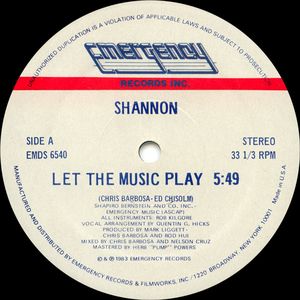
There have been numerous recordings written with fifths patches, which exhibit interesting harmonies and showcase the technique’s compositional power. Two striking examples of fifths patches in the wild are Bruce Woolley’s beautiful opening chords on Grace Jones’s “Slave to the Rhythm” and the complex harmonies in Weather Report’s “River People” from the album “Mr. Gone”. I’ve used them myself on a number of records – most notably the gated chords that provide the rhythmic hook on Shannon’s “Let The Music Play“.
These fifths patches, where oscillators are tuned in perfect intervals, not only create magical harmonies, but also offer a playground for musical exploration.
Play a single note on a keyboard set with a fifths patch, and you get a parallel fifth. Nothing clashes, but there’s nothing particularly interesting yet. But, as I discovered in my years as a session musician, the magic happens when you start exploring other intervals.
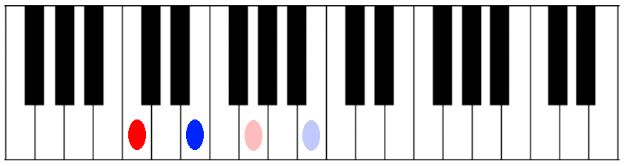
For example, if I play C and E, I hear C, E, plus their “synthetic harmony” at G, and B – a beautiful major seventh chord. This logic applies to all two-note intervals except the tritone and the minor second.
Triad Clusters
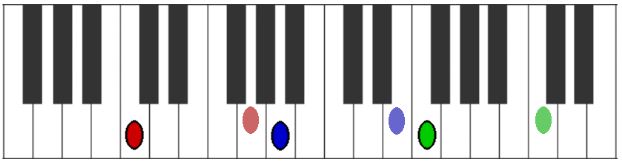
But why stop there?. Moving to three-note chords, you’ll find yourself crafting lovely six-note clusters. As long as these chords avoid the tricky tritone and minor second intervals, the harmonies you’ll get are nothing short of beautiful.Over time, I’ve learned to appreciate how these patches add inner harmonies and upper extensions to simple voicings.
Experimentation is key
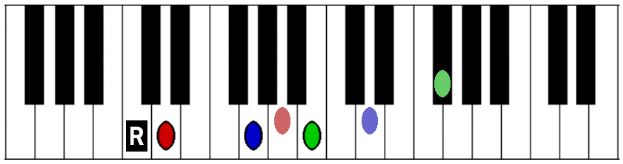
Take, for instance, a simple G triad played over C. This major seventh sonority undergoes a kind of lydian transformation as the B (the major seventh) is shadowed by an F# (the fifth above B), resulting in a C6 add9 +11. The simple rule of thumb is: all intervals work EXCEPT the tritone, and the minor 2nd. It’s these extended harmonies that make fifths patches such a wonderful tool for exploration and composition.
Open voicings and drop 2s work nicely too since they’re built on consonant intervals. It takes a bit of practice to get used to what works and what doesn’t. The main thing is to stick to simple triadic voicings and avoid those tritones. Have fun.
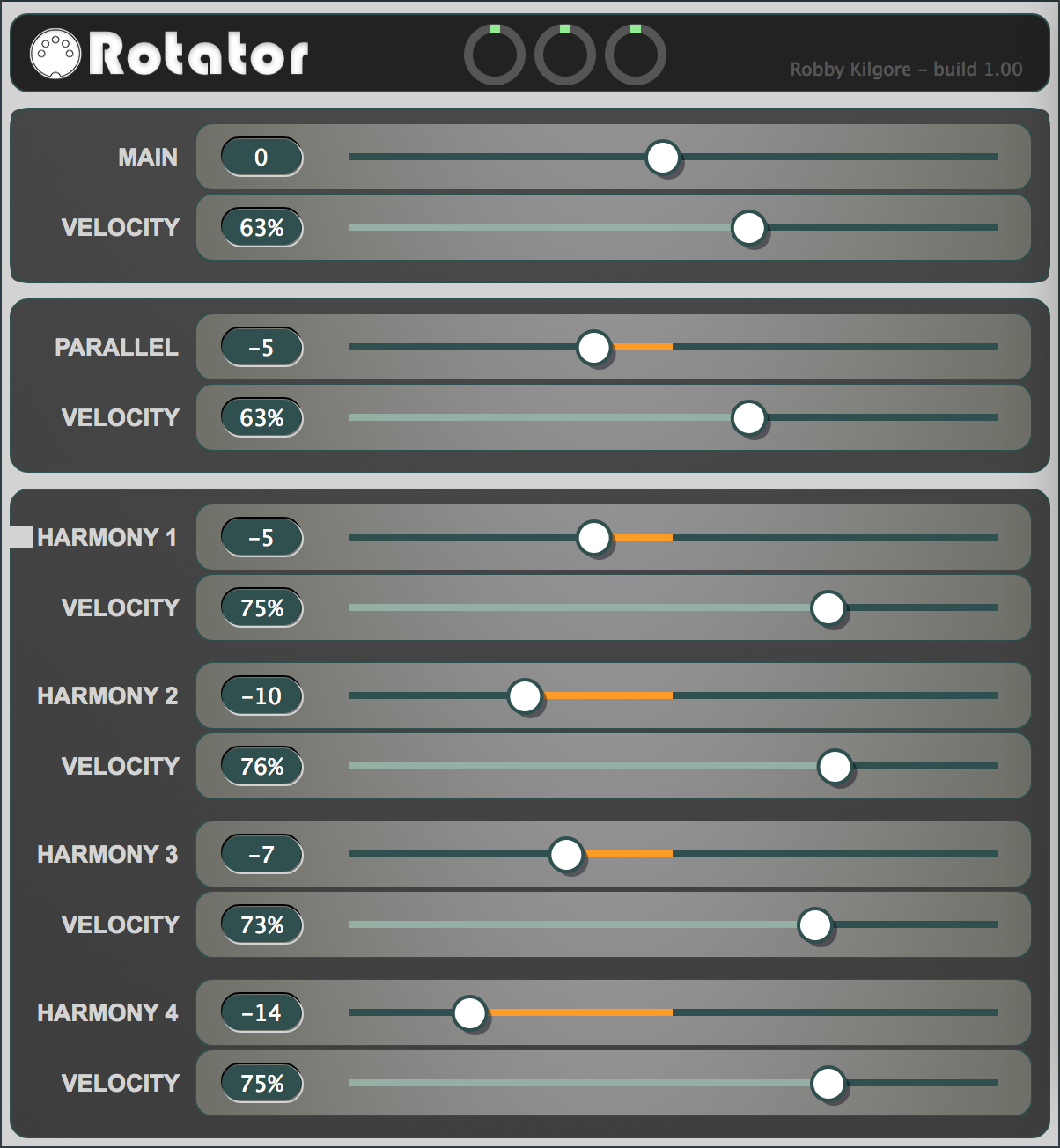
MidiRotator 1.13 is a plugin available for both Mac and PC.
I’ve recently gotten so many requests from people wanting to buy rotators, it just didn’t seem practical to build them myself. So I spent the last month or two working on a port to a MidiFX plugin. I’ve just released a VST and an AU version of the plugin for use in Logic Pro X and MainStage as well as other DAW environments. I’m quite pleased with the UI and it’s proven to be even more flexible than the hardware version.
Here’s a brief example of what it can do harmonically to some simple triads!
This latest version fixes several annoying bugs that plagued the previous free version. I’ve also added some automation capabilities. Lots more features and updates are in the works, so stay tuned, and thanks for your generous support!
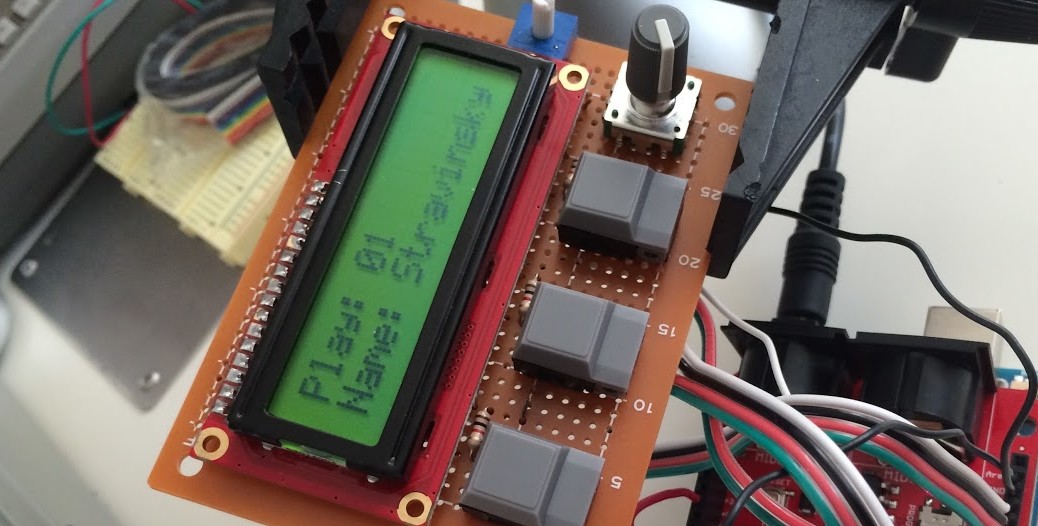
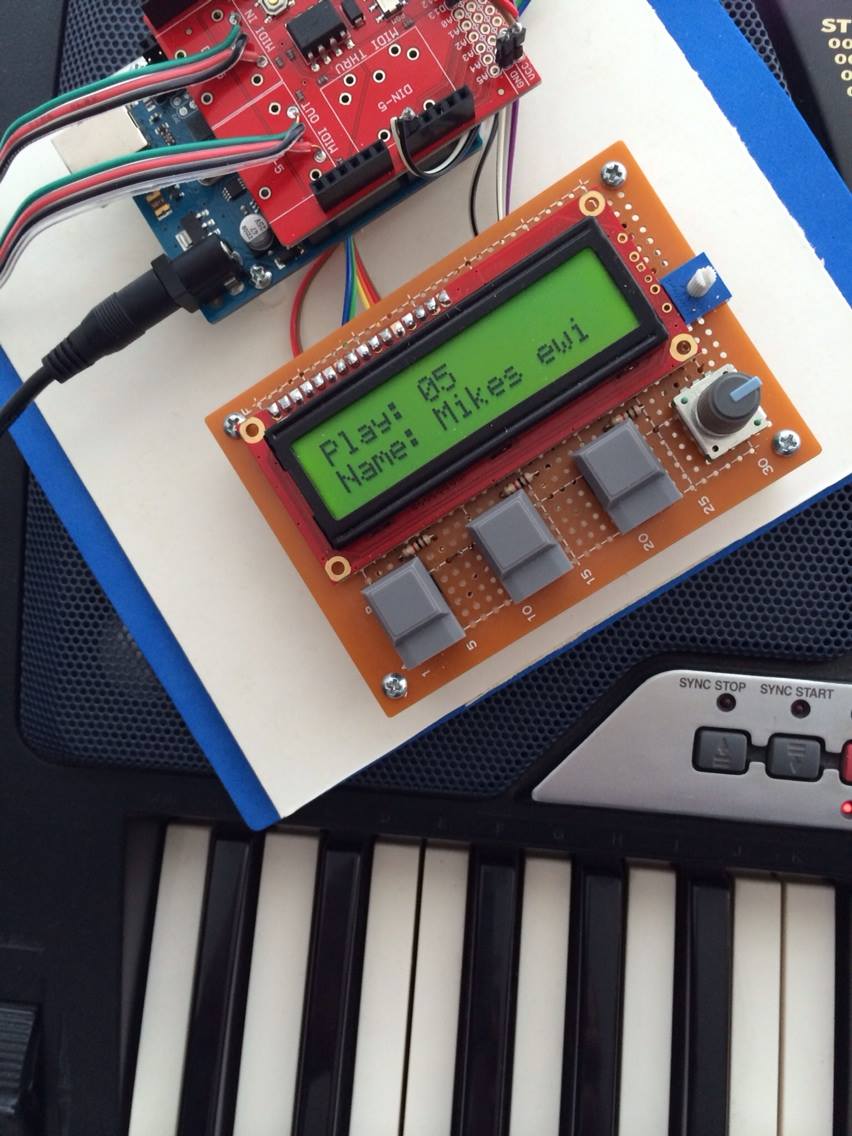
Test harness of the MB1 used for coding and testing the Arduino software.
I’ve created a number of versions of “The Rotator” over the years. This video details one of the first versions that involved creating custom hardware based on the Arduino micro-controller and several parts scavenged from various bits and pieces I had lying around.
Then a couple of years ago while in Japan I made a field trip to “Electric City” in Akihabara where I was able to buy a bunch of electronics parts that allowed me to start work on yet another version.
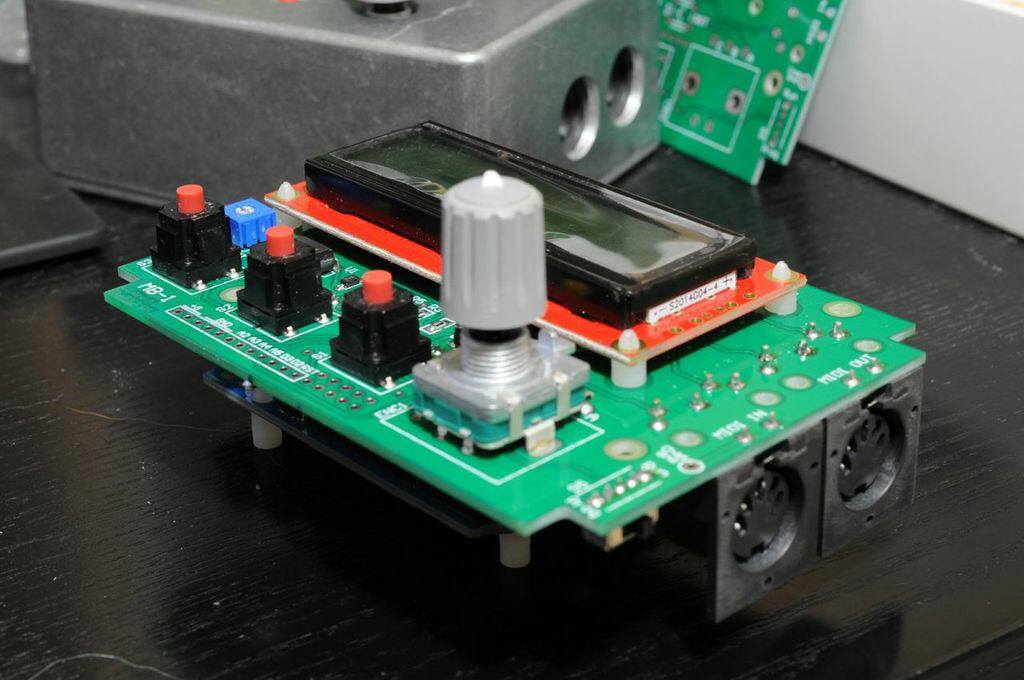
Rev 1 of the MB1 rotator board I designed. (shoutout to Dennis Alichwer from Neve for all his help and advice.)
I wanted to start again with improved hardware and a better layout. I was really excited to find what appeared to be Prophet-V-style gray buttons and some decent push-button rotary encoders. Within a few weeks I was able to get a working breadboard up and running (top left) where I could test the code and work on the software.
Enter the amazing Dennis Alichwer who totally crushed it on laying out a custom circuit board based on my design for the test harness.
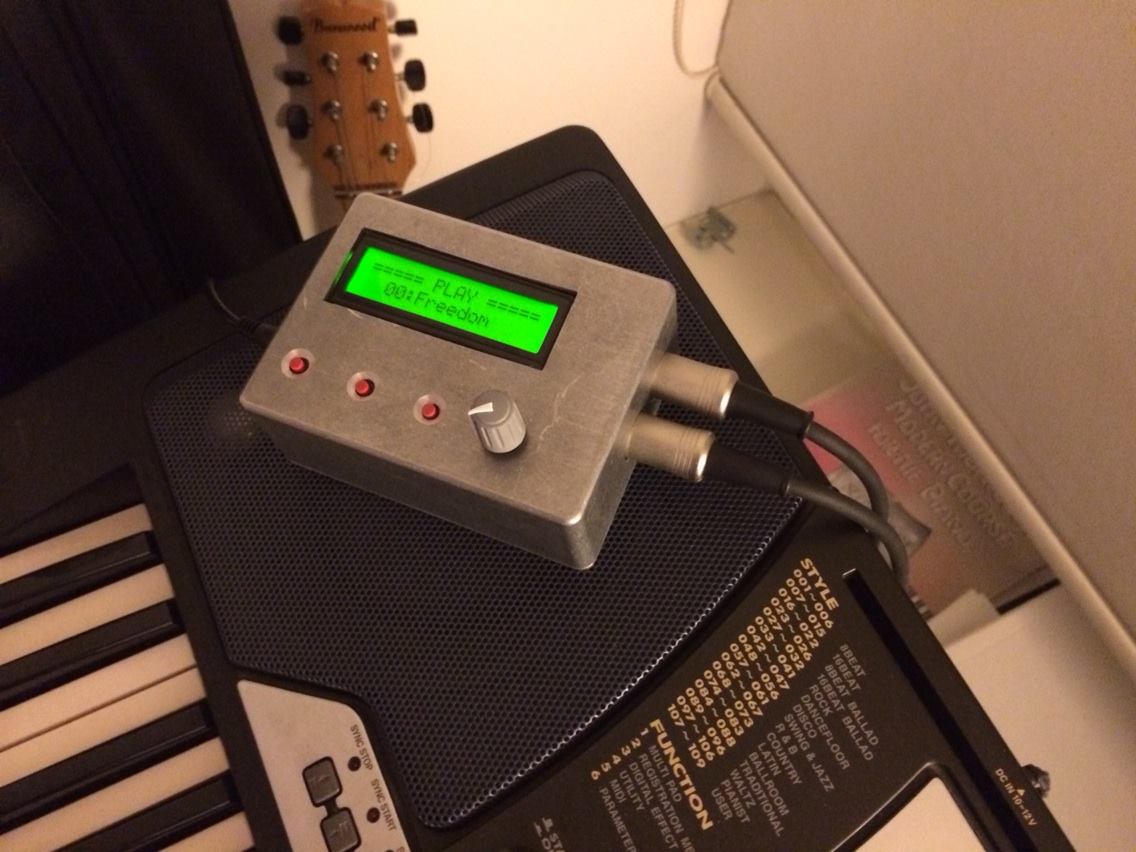
MB1 prototype in a makeshift enclosure
The result was the “MB1” (middle left) – which stands for “Midi Box 1” or possibly “Mike Brecker 1” we’re not sure.
Anyway, I have a couple of boxes in use. One is running the latest rotator software, and the other is running an alpha version of a new toy I’m working on called MidiBot.
Update: Feb 2018
I’ve recently gotten so many requests from people wanting to buy rotators, it just didn’t seem practical to build them myself. So I spent the last month or two working on a port to a MidiFX plugin. I’ve just released a VST and an AU version of the plugin for use in Logic Pro X and MainStage as well as other DAW environments. I’m quite pleased with the UI and it’s proven to be even more flexible than the hardware version in that it can support many more voices and rotations.
Here’s a brief example of what it can do harmonically to some simple triads!
While searching through some storage boxes the other day, I came across an assortment of badges and, passes and photos. There were also several photos taken at various gigs in Japan. This one taken during a Teramasu Hino concert, live at the Tokyo Dome – or “The Egg” as it’s sometimes called. Here’s me and Steve Ferone (Clapton’s drummer) trying to decipher the mysterious ‘half time show’. Go figure…
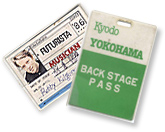
(left) At a sound check in Yokohama, Japan while touring with Riuichi Sakamoto – 1986. Yamaha had sponsored this tour, and we were awash in fresh gear. Shown here is Riuichi’s one of a kind (at the time) custom made “midi” 9ft concert grand. I also remember scoring two Akai S900 samplers on this trip – several months before they were released in the US.
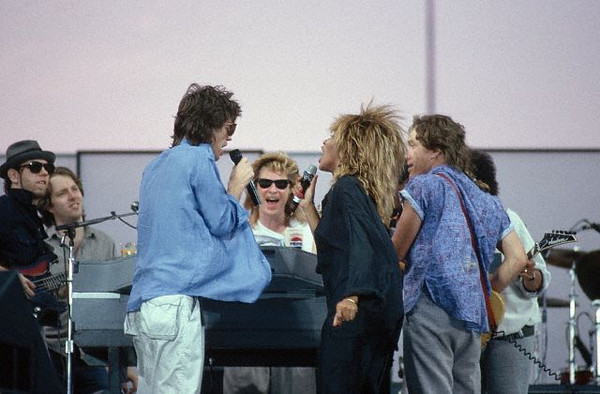
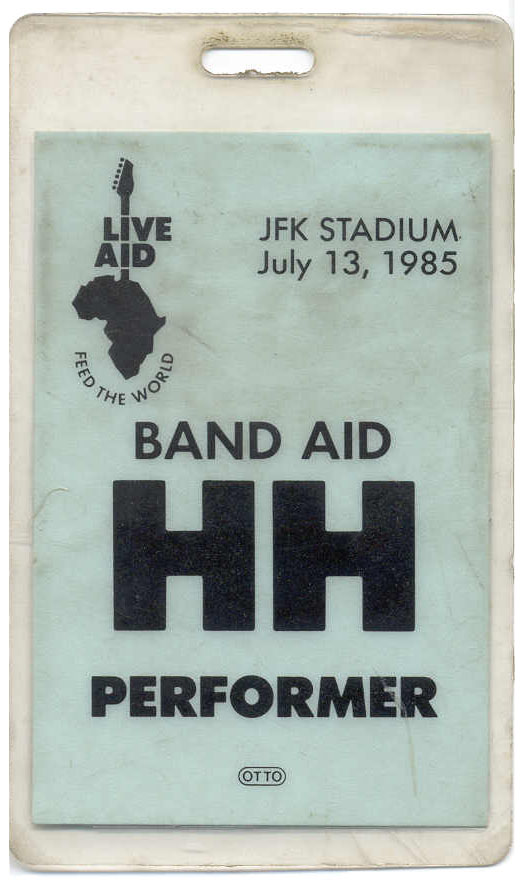
I came across an assortment of backstage passes the other day. The one I’m most proud of is my artist/performer backstage pass from Live Aid (1985) where I played on stage with Hall & Oates, Eddie Kendricks and David Ruffin of the Temptations, Mick Jagger and Tina Turner.
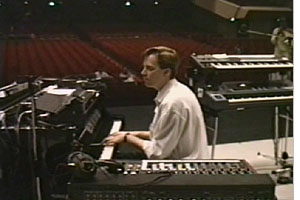
The line up for Mick’s set was essentially the Hall & Oates rhythm section including T Bone Wolk on bass, G E Smith on guitar, Micky Currie on drums and myself on keyboards. Here’s a picture of me at sound check (second from left) – JFK Stadium 1985.
We’d rehearsed for a week in New York and had worked up several tunes with Mick and couple with Tina Turner who was scheduled to join him for a duet towards the end of the set.
I remember it was a million degrees that day in Philadelphia. There was a huge backstage area which had been used as a sort of carnival midway where each act, record label, TV crew, broadcast outlet and every other conceivable entity had set up base camp. They were arranged in rows and aisles and the whole affair took on the appearance of a makeshift tent city. There seemed to be an endless supply of tv and recording trucks, band trailors and hospitality tents belonging to various record labels, MTV, VH1, CNN, ET etc. Quite the circus. We weren’t scheduled to go on till 4pm that afternoon, so everyone was pretty toasted from the heat and stress by the time we went on. Anyway, pretty amazing. In the end, the show was viewed by 1.5 billion people! Supposedly 80% of the worlds tv sets were tuned to Live Aid that day.






 “Boure”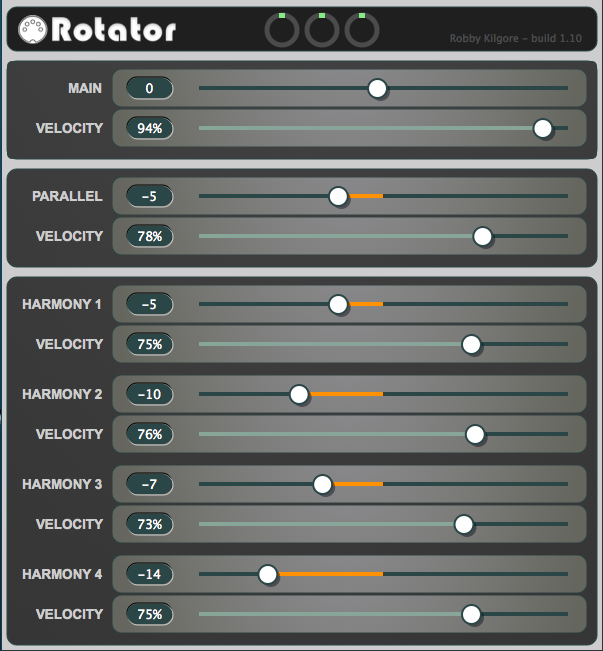
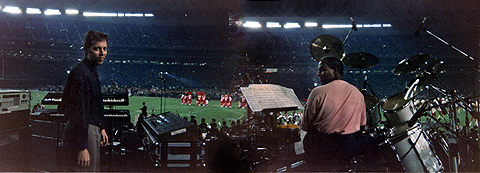
 There were also several photos taken at various gigs in Japan. This one taken during a